MyfirewoodfxLaunch MT4 WebDownload MT4Mobile AppContact Us

FirewoodFX Logo
MyFW
Forex Market
Trading
ForexCopy
Partnership
Promotion
Company
Log InOpen Account

Start trading with FirewoodFX

Providing the best forex trading experience to traders.

Log InOpen Account

FirewoodFX Logo

Firewood Global Ltd

Registered at St. Vincent and the Grenadines no 22160 BC 2014

Registered Address : Euro House, Richmond Hill Road, P.O. Box 2897, Kingstown, St. Vincent and the Grenadines
[email protected]
+442036083558
Forex Market
  • Technical Analysis
  • Margin Calculator
  • Forex News
  • Forex Glossary
  • What Is Forex
  • Why Forex
Trading
  • Account Types
  • Trading Platform
  • Deposit
  • Withdrawal
  • Open Demo
  • Open Live
  • Mobile App
ForexCopy
  • Leader List
Promotion
  • 88% Deposit Bonus Promotion
Partnership
  • Partnership Level
  • Payment Agent
Company
  • About Us
  • News
  • Awards
  • Job Vacancy
  • Contact Us

‌

HIGH RISK NOTICE

There is a high level of risk involved with trading leveraged products such as forex and CFDs. You should not risk more than you can afford to lose, it is possible that you may lose more than your initial investment. You should not trade unless you fully understand the true extent of your exposure to the risk of loss.

FirewoodFX does not accept clients from the United States of America, Russia, North Korea, Myanmar, Iraq, Iran, Saint Lucia and Saint Vincent and the Grenadines.


© 2014-2026 Firewood Global Ltd. All Rights Reserved

Legal Documents

Trading Platform

MetaTrader 4 PC

Simply the best trading platform available. With 50+ built-in indicators and charting tools, multi-language interface, and ability to autotrade your strategy using MQL4.

MetaTrader 4 also supports copy-trading signal service from Metaquotes.

Download MetaTrader 4
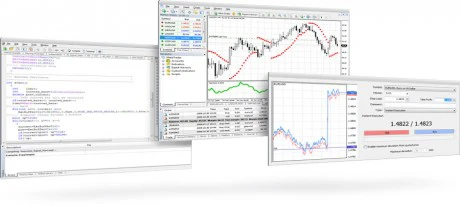

MetaTrader 4 Client

MetaTrader 4 Mobile

App Store

iOS Installation Instructions

  • 1
    Go to Apple App Store and install MetaTrader 4.
  • 2
    Select “Login with existing account”.
  • 3
    In the search box, type FirewoodFX and you will see our server names appear.
  • 4
    Choose your Server (Refer to the Server field of your Login ID in Login pop-up on your PC).
  • 5
    Login with your account details.
Google Play Store

Android Installation Instructions

  • 1
    Go to Google Play Store and install MetaTrader 4.
  • 2
    Select “Login with existing account”.
  • 3
    In the search box, type FirewoodFX and you will see our server names appear.
  • 4
    Choose your Server (Refer to the Server field of your Login ID in Login pop-up on your PC).
  • 5
    Login with your account details.

MetaTrader 4 Web

The MetaTrader 4 web platform currently features:

  • History of trading operations
  • Graphical objects
  • Full set of trading orders
  • 9 timeframes

Access your account at FirewoodFX Web Trading and start trading in just a couple of clicks.

Launch MetaTrader 4 Web Platform
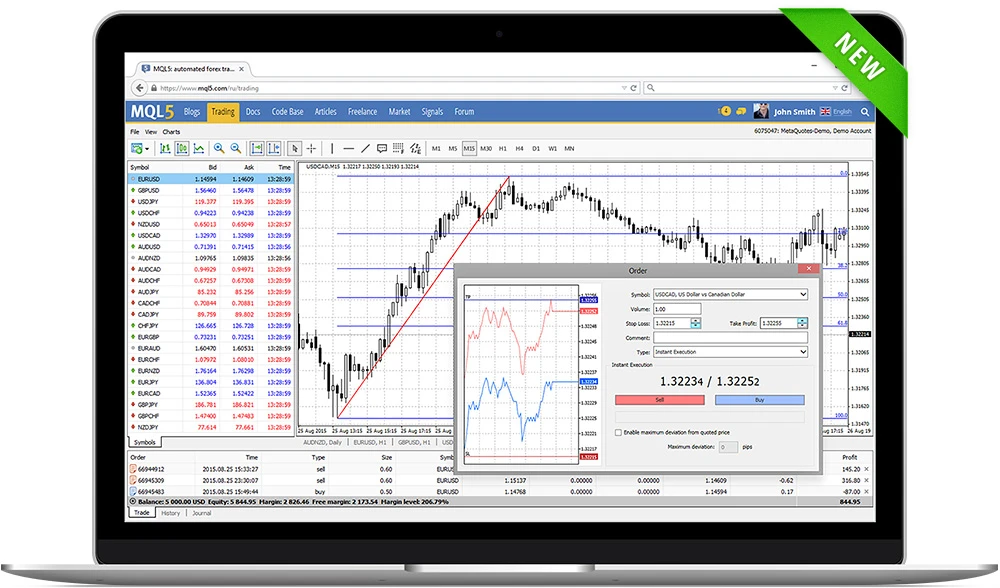
MetaTrader 4 Web

MetaTrader 4 Multi Terminal

Manage multiple Metatrader 4 accounts using single terminal.

Professional Trader and Money Manager can open, manage and close orders in multiple accounts simultaneously, using various trade size allocation methods. Trader is also able to view live market prices and monitor all accounts balance and equity in real-time.

The program interface is very similar to the MetaTrader 4 Client Terminal, so any trader can easily use this program in short time.

Download FirewoodFX Multi Terminal
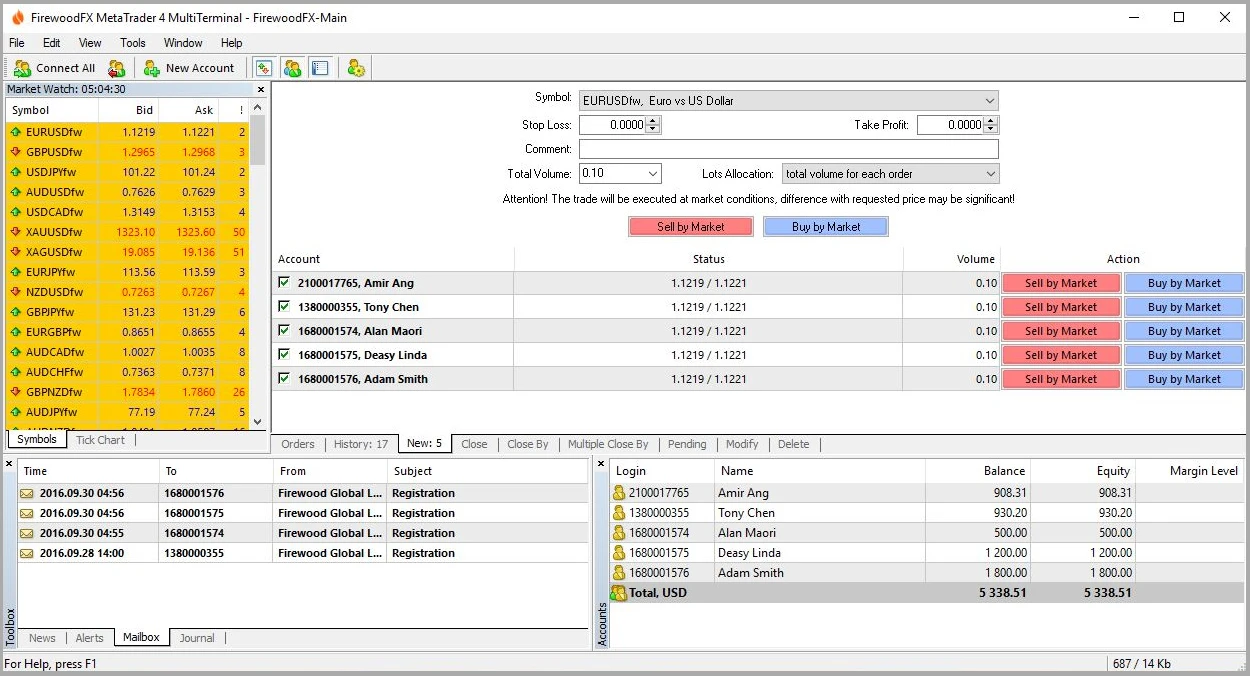
MetaTrader 4 Multi Terminal